Running into a “You seem to be using a VPN” message on Netflix is a familiar frustration. The platform has steadily improved its ability to detect and block VPN traffic, making it harder to access region-specific libraries.
This isn’t a glitch. It’s intentional.
Why Netflix Blocks VPNs in the First Place
Netflix licenses content on a country-by-country basis. That means a show available in the U.S. might not be cleared for streaming in Vietnam, Europe, or elsewhere.
To enforce those agreements, Netflix actively monitors for IP addresses associated with VPN services. When too many users connect through the same server, it becomes easy to flag that traffic as non-residential.
Once identified, that server gets blocked.
What the Error Actually Means
The typical error message—often labeled as a proxy or unblocker warning—doesn’t mean your VPN is broken. It means Netflix has recognized the server you’re using.
In most cases, your VPN is still functioning normally for everything else.
It’s just Netflix refusing access.
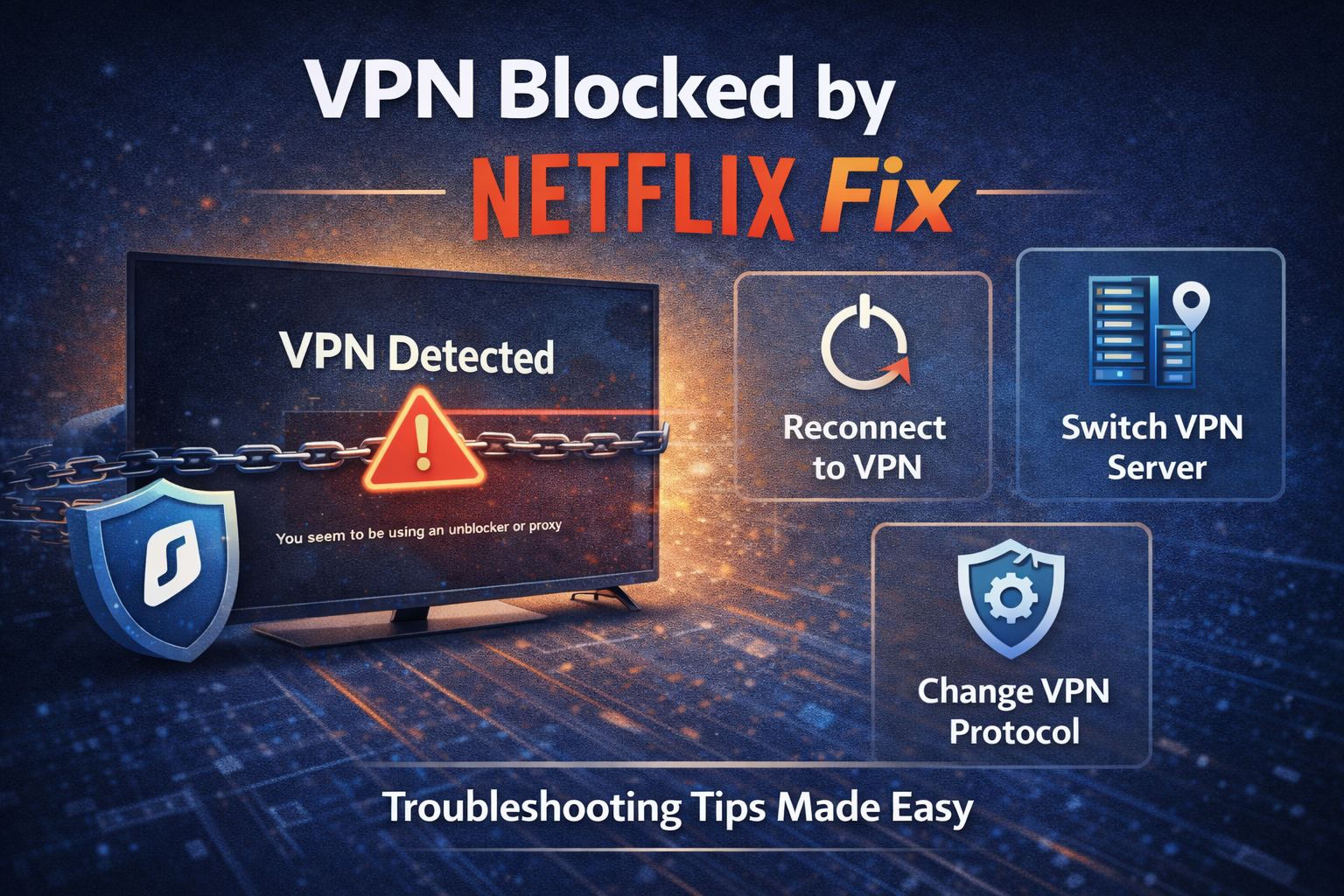
Switching Servers Often Solves It
The simplest fix is also the most effective: change servers.
VPN providers rotate IP addresses regularly, and not all of them are blocked at the same time. Connecting to a different server in the same country can restore access immediately.
This is where larger VPN networks have an advantage. Services like NordVPN and ExpressVPN maintain a wider pool of IPs, increasing the chances of finding one that still works.
Smaller or free VPNs tend to struggle here.
Clearing Cache and Location Data
Sometimes the issue isn’t just the server—it’s your device.
Browsers and apps store location data, cookies, and cached information that can conflict with your VPN connection. If Netflix detects a mismatch between your IP address and stored location data, it may block access.
Clearing your browser cache or restarting the app can help reset that signal.
It’s a small step, but often overlooked.
Use VPNs That Actively Support Streaming
Not all VPNs prioritize bypassing streaming restrictions.
Some providers invest in maintaining servers specifically optimized for platforms like Netflix, while others focus more on privacy and security. The difference shows up quickly in real-world use.
For example, Surfshark generally supports multiple Netflix regions, but may require occasional server switching. Premium services tend to be more consistent, though no provider guarantees uninterrupted access.
That variability is part of the landscape.
Dedicated IP Addresses: A More Stable Option
Some VPNs offer dedicated IP addresses—unique to a single user rather than shared across thousands.
Because these IPs don’t exhibit the same traffic patterns as shared servers, they’re less likely to be flagged by Netflix. However, they usually come at an additional cost and may not work across all regions.
For frequent streaming, they can be a more stable—though not foolproof—solution.
When It Doesn’t Work at All
There are times when no workaround succeeds.
Netflix continuously updates its detection systems, and VPN providers respond in turn. This creates an ongoing cycle where access may work one day and fail the next.
If every server is blocked, the limitation is not on your device—it’s at the network level between the VPN and Netflix.
In those cases, waiting for the provider to refresh its IP pool is often the only option.
Quick Fix Checklist
If Netflix is blocking your VPN, try this in order:
- Switch to another server in the same region
- Clear browser cache or app data
- Restart your device or reconnect the VPN
- Try a different protocol (if available)
- Check if your VPN offers streaming-optimized servers
Most issues are resolved within the first few steps.
The Bigger Picture
VPN blocking reflects a broader tension between global internet access and regional licensing agreements. Streaming platforms are under pressure to enforce distribution rights, while VPN providers continue to offer tools that bypass geographic limits.
Neither side is static.
And users sit in the middle.
Takeaway
Netflix blocking a VPN is not a technical failure but a result of content licensing enforcement. While switching servers or using streaming-optimized VPNs can often restore access, reliability varies over time as detection methods evolve.

