When a VPN stops working on Android, the problem rarely announces itself clearly. You might be connected but unable to load websites, or the app disconnects randomly without explanation. In some cases, everything looks fine—until you realize your traffic isn’t protected at all.
That ambiguity is what makes Android VPN issues so frustrating.
Android Is Flexible—But That Cuts Both Ways
Unlike iOS, Android gives apps more freedom to run in the background and manage network connections. That flexibility is great for customization, but it also creates more room for things to go wrong.
Different manufacturers—Samsung, Xiaomi, Oppo—add their own system tweaks. These can interfere with VPN behavior in subtle ways, especially around battery management and network switching.
So while Android is “open,” it’s also less predictable.
The Most Common Problem: Background Restrictions
If your VPN keeps disconnecting or fails to stay active, there’s a good chance Android is shutting it down to save battery.
Features like battery optimization or “adaptive power saving” can limit background activity, including VPN apps. The result is a connection that drops silently when the system decides it’s not a priority.
Disabling battery optimization for your VPN app is often the quickest fix.
And in many cases, it solves the problem completely.
Network Switching Breaks More Than You Expect
Android devices frequently switch between Wi-Fi and mobile data, especially when signal strength changes. That transition can interrupt the VPN tunnel.
Some VPNs recover instantly. Others don’t.
This is where provider quality starts to matter. Services like NordVPN and ExpressVPN tend to handle these transitions more gracefully, while cheaper options may require manual reconnection.
It’s not always obvious—but over time, you feel the difference.
Protocol Choice Isn’t Just About Speed
Most modern VPNs on Android default to WireGuard-based protocols because they’re fast and efficient. But speed isn’t everything.
WireGuard can be sensitive to unstable networks. If your connection drops or changes frequently, switching to OpenVPN or IKEv2 can improve stability—even if it’s slightly slower.
In real-world use, a stable connection is often more valuable than a fast one.
Especially on mobile.
App Conflicts and System Settings
Android’s ecosystem means multiple apps can interact with your network—and sometimes interfere with each other.
Common culprits include:
- Antivirus or security apps
- Private DNS settings
- Ad blockers or firewall apps
These tools can conflict with VPN routing, causing slow connections or complete failures. If your VPN suddenly stops working after installing a new app, that’s a strong signal.
When It’s the VPN, Not Your Phone
Not all VPNs are built equally for Android.
Free or lower-cost services often have fewer servers and less optimization for mobile environments. That leads to connection drops, slower speeds, and inconsistent performance.
Premium providers like NordVPN and ExpressVPN generally offer better stability, while Surfshark strikes a balance between price and performance—but may require occasional tweaking.
The gap isn’t massive.
But it becomes noticeable with daily use.
Quick Fixes That Actually Work
If your VPN isn’t working on Android, these steps usually resolve it:
- Disable battery optimization for the VPN app
- Switch between Wi-Fi and mobile data
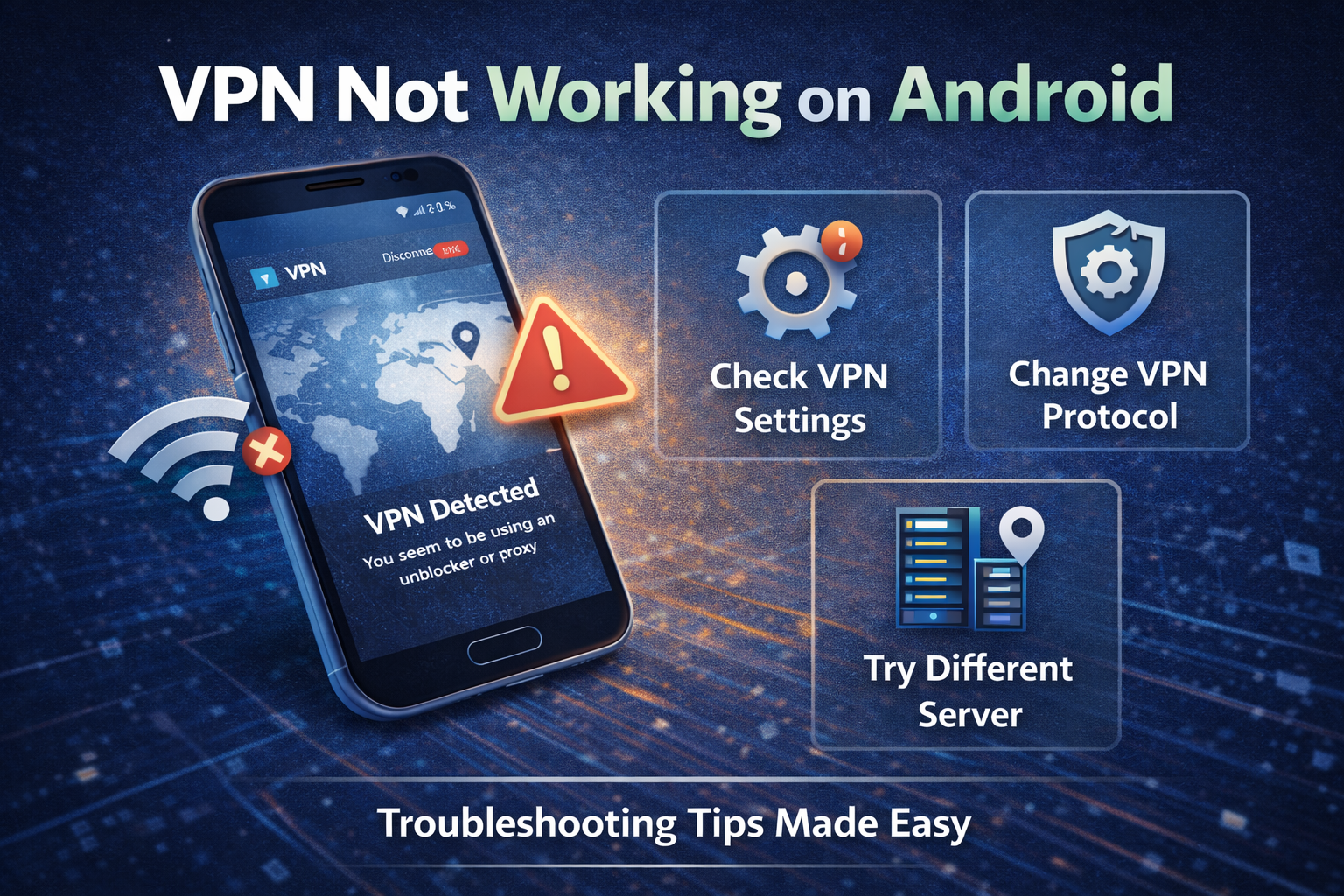
- Change protocol (WireGuard ↔ OpenVPN)
- Check for conflicting apps (DNS, antivirus)
- Restart or reinstall the VPN app
Most issues are fixed within a few minutes.
No advanced troubleshooting required.
Pros and Cons of VPN Use on Android
Pros
- Greater flexibility and customization than iOS
- Wide range of VPN apps and features
- Strong integration with system-level networking
Cons
- Inconsistent behavior across devices and brands
- Battery optimization can break connections
- More potential for app conflicts
The Bigger Picture
VPN issues on Android aren’t just about the VPN—they’re about the ecosystem.
Different devices, system tweaks, and background processes all interact in ways that aren’t always predictable. That’s the trade-off for having more control compared to more locked-down platforms.
Some users will appreciate that flexibility.
Others will find it frustrating.
The Bottom Line
If your VPN isn’t working on Android, the cause is usually practical: battery restrictions, network switching, or protocol mismatch—not a mysterious technical failure.
Fix those, and the problem often disappears.
Final verdict:
Android offers a powerful but messy environment for VPNs. If you want a smooth, reliable experience, choose a well-optimized provider and be ready to adjust a few system settings. It’s not complicated—but it’s rarely plug-and-play.

