Best VPN Deals Right Now
NordVPN ⭐ 4.7/5
- 🔒 Military-grade encryption
- 🌍 60+ countries servers
- ⚡ Fast & stable streaming
Surfshark ⭐ 4.6/5
- 💸 Cheapest long-term plan
- 📱 Unlimited devices
- 🚀 Great for streaming
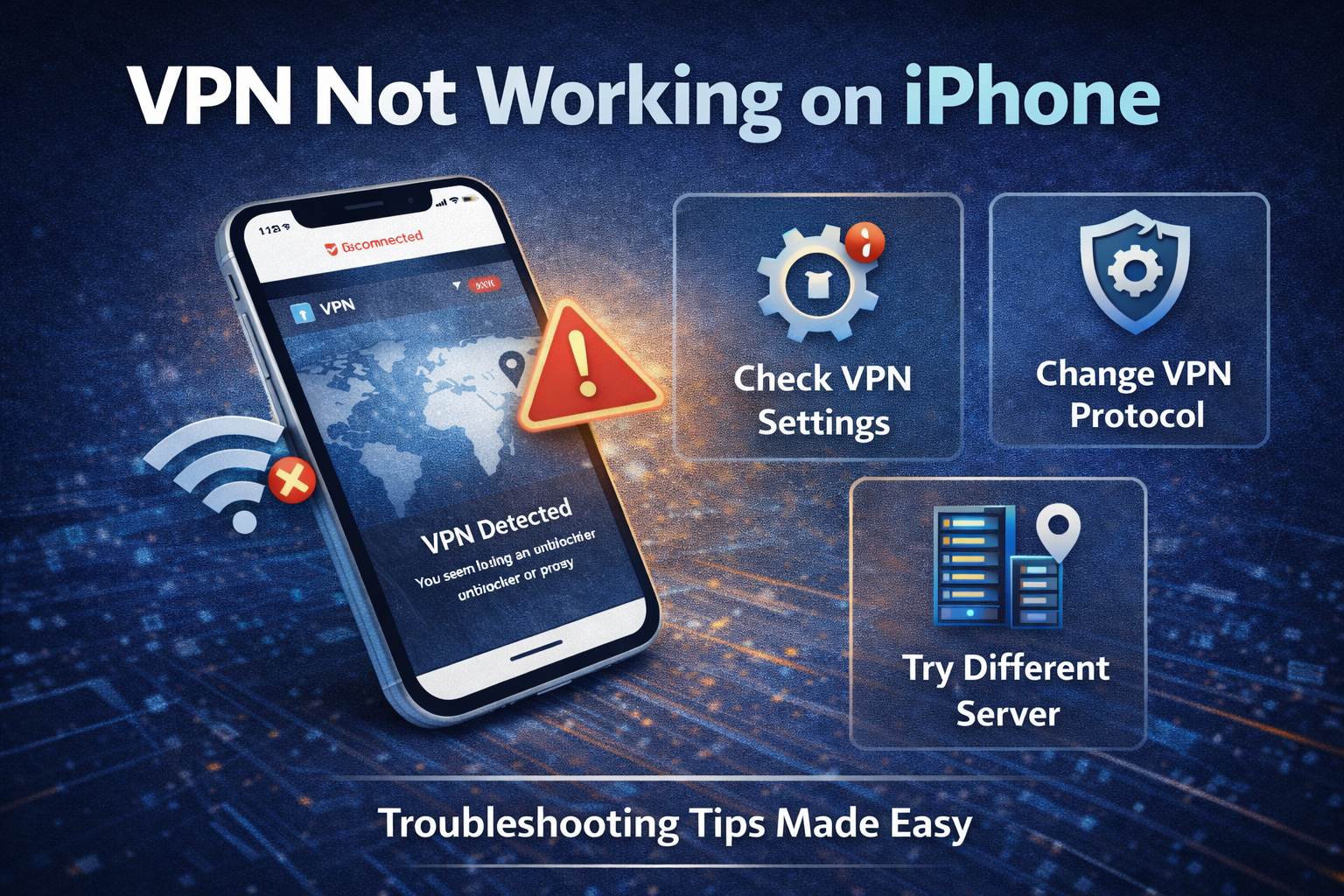
When a VPN stops working on an iPhone, it rarely fails in an obvious way. You might still see the “VPN” icon at the top of your screen, but websites won’t load, apps hang, or connections quietly drop in the background.
It feels like the VPN is on.
But it isn’t doing what you expect.
iOS Is More Restrictive Than It Looks
Apple’s ecosystem is designed for stability and privacy—but that control can interfere with VPN behavior.
Unlike desktop systems, iOS aggressively manages background processes and network activity. If a VPN app isn’t given the right permissions or gets deprioritized, the connection can pause or fail without warning.
This isn’t a bug.
It’s how the system is designed to conserve resources and maintain performance.
The Most Common Culprit: Network Conflicts
In real-world use, most VPN issues on iPhone come down to network conflicts rather than the VPN itself.
Switching between Wi-Fi and mobile data, connecting to public hotspots, or using restrictive networks (like school or office Wi-Fi) can interrupt the VPN tunnel. When that happens, the app may struggle to reconnect cleanly.
The result is inconsistent behavior—sometimes it works, sometimes it doesn’t.
And there’s no clear explanation on screen.
Protocol Choice Matters More on Mobile
VPN protocols play a bigger role on iPhone than many users realize.
Modern options like WireGuard (used by providers such as NordVPN and Surfshark) are fast and efficient, but can be sensitive to network changes—especially when switching between Wi-Fi and cellular.
Older protocols like IKEv2, while less exciting on paper, often handle these transitions more smoothly on iOS.
In practice, switching protocols can instantly stabilize a “broken” VPN.
The Settings That Quietly Break Everything
A few iPhone settings can interfere with VPN connections without making it obvious:
- Low Data Mode may restrict background network activity
- Private Relay (iCloud+) can conflict with VPN routing
- VPN On Demand settings may not trigger correctly
These features are useful on their own, but they don’t always play well together.
If your VPN feels unreliable, these are worth checking first.
App-Level Issues Are More Common Than Expected
VPN apps on iOS are generally polished—but not immune to glitches.
Updates can introduce bugs, cached data can cause conflicts, and sometimes the app simply fails to maintain a stable session. Logging out, reinstalling the app, or resetting network settings often fixes issues that seem more serious than they are.
It’s not elegant.
But it’s effective.
Not All VPNs Handle iPhone Equally Well
There’s a noticeable difference between VPN providers when it comes to iOS performance.
Premium services like ExpressVPN tend to offer more stable connections and better handling of network changes. NordVPN balances speed and reliability well, while budget options like Surfshark can occasionally require more manual adjustment.
The gap isn’t huge.
But on mobile, small differences feel bigger.
Quick Fixes That Actually Work
If your VPN isn’t working on iPhone, these steps solve most problems:
- Switch between Wi-Fi and mobile data
- Change VPN protocol (WireGuard ↔ IKEv2)
- Disable Low Data Mode and Private Relay
- Restart the app or reinstall it
- Reset network settings if issues persist
You don’t need to try everything—just work through them step by step.
Pros and Cons of Using a VPN on iPhone
Pros
- Strong privacy protection on public Wi-Fi
- Easy, one-tap connection
- Seamless integration with most apps
Cons
- More sensitive to network changes
- Background restrictions can interrupt connections
- Occasional conflicts with iOS features
The Bigger Picture
VPN issues on iPhone aren’t usually about the VPN itself—they’re about how tightly controlled the platform is.
Apple prioritizes efficiency and security, which means less flexibility for apps that rely on constant background connectivity. VPNs sit right in the middle of that tension.
Some handle it better than others.
None avoid it entirely.
The Bottom Line
If your VPN isn’t working on iPhone, the problem is rarely mysterious. It’s usually a mix of network switching, protocol behavior, or system-level restrictions.
Once you adjust those variables, most issues disappear.
Final verdict:
iPhones handle VPNs well—but on their own terms. If you want a stable experience, choose a provider optimized for iOS and be prepared to tweak a few settings. It’s not difficult, but it’s not completely automatic either.
Best VPN Deals Right Now
NordVPN ⭐ 4.7/5
- 🔒 Military-grade encryption
- 🌍 60+ countries servers
- ⚡ Fast & stable streaming
Surfshark ⭐ 4.6/5
- 💸 Cheapest long-term plan
- 📱 Unlimited devices
- 🚀 Great for streaming

