Best VPN Deals Right Now
NordVPN ⭐ 4.7/5
- 🔒 Military-grade encryption
- 🌍 60+ countries servers
- ⚡ Fast & stable streaming
Surfshark ⭐ 4.6/5
- 💸 Cheapest long-term plan
- 📱 Unlimited devices
- 🚀 Great for streaming
I didn’t think my social media accounts were worth hacking.
No big following. No business page. Just normal use—messages, photos, some late-night scrolling.
Until one morning, I couldn’t log in.
At first, I thought it was a password mistake. Then I saw the email: “Your account email has been changed.” That’s when it hit me—I wasn’t locked out because of a glitch. Someone else was inside.
I got the account back eventually, but it took days. And the worst part wasn’t losing access—it was realizing how easy it was.
Since then, I’ve changed how I secure my accounts. Not in a paranoid way, just in a practical, “this actually works” way.
This guide is based on that shift.
The Real Problem (It’s Not Hackers, It’s Habits)
Most people imagine hacking as something complex.
In reality, most account breaches happen because of simple things:
- Reusing passwords
- Clicking phishing links
- Weak recovery settings
- No two-factor authentication
That’s it.
I didn’t get hacked because someone was targeting me. I got hacked because I made it easy.
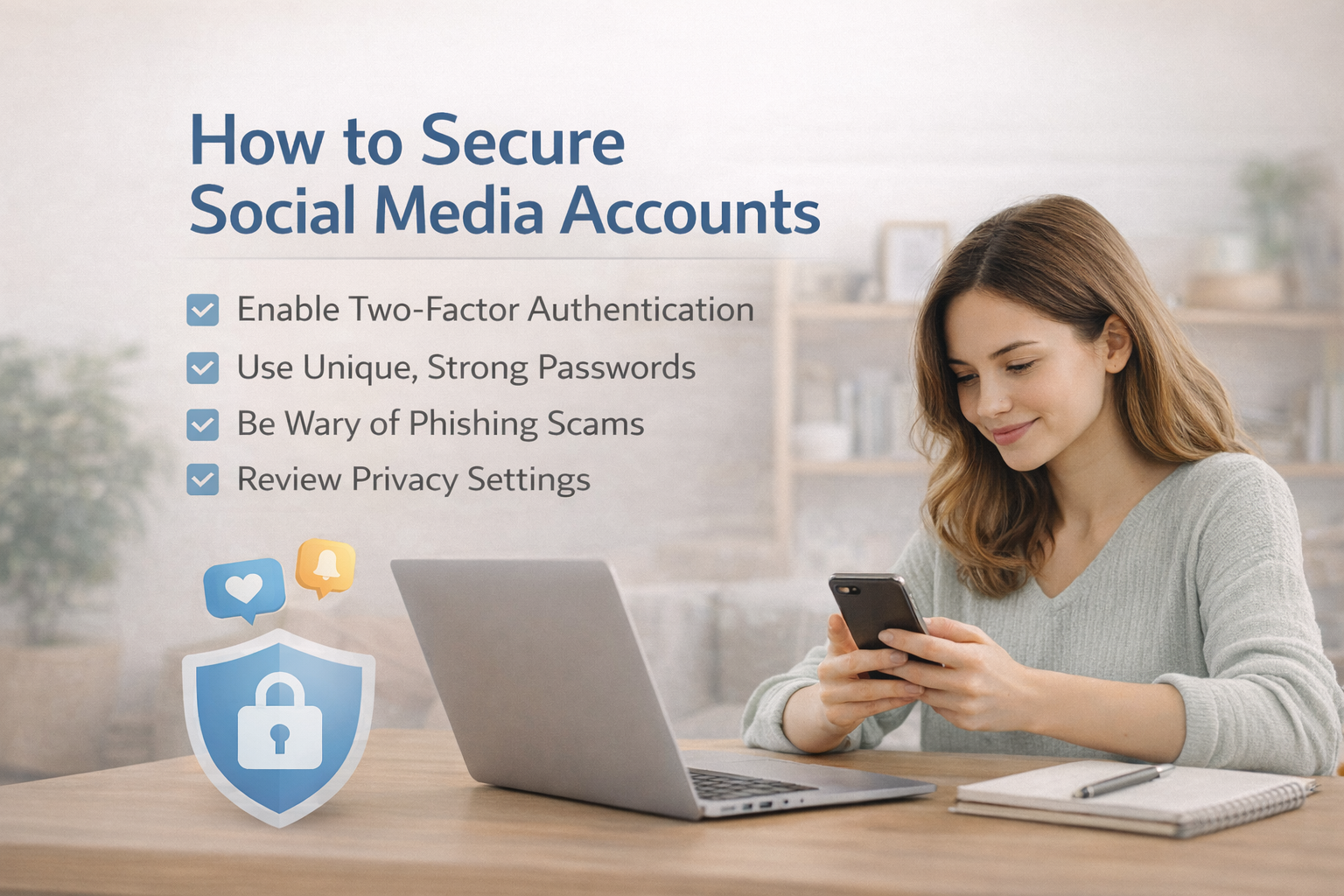
Step 1: Stop Reusing Passwords (This Matters More Than You Think)
I used to reuse variations of the same password everywhere.
It felt efficient.
Until one small website got breached—and suddenly, multiple accounts were at risk.
Now I use a password manager like:
- Bitwarden
- 1Password
They generate strong, unique passwords and store them securely.
Simple explanation:
Instead of remembering 10 weak passwords, you remember one strong master password, and the tool handles the rest.
Price:
- Bitwarden: free plan available, premium ~$1/month
- 1Password: ~$3/month
Honestly, even the free version is enough for most people.
Step 2: Turn On Two-Factor Authentication (2FA)
This is the single biggest upgrade you can make.
After enabling 2FA, even if someone gets your password, they still can’t log in without a second code.
Most platforms support it:
- X (Twitter)
Best method:
Use an authenticator app like:
- Google Authenticator
- Authy
Avoid SMS if possible—it’s better than nothing, but less secure.
Real insight:
After I enabled 2FA, I stopped worrying about random login attempts. It’s that effective.
Step 3: Use a VPN on Public or Shared Networks
This was something I ignored for a long time.
If you log into social media on public WiFi (cafés, airports), your data can be exposed—especially on unsecured networks.
That’s where VPNs help.
I’ve tested a few:
- NordVPN
- Surfshark
- ExpressVPN
What they do (simple):
They encrypt your internet connection, so no one else on the network can see your data.
Real comparison:
- NordVPN → most stable and reliable
- Surfshark → cheapest, good for multiple devices
- ExpressVPN → easiest to use
Price:
- ~$2–$4/month on long-term plans
For me, this became essential when working outside home.
Step 4: Lock Down Your Recovery Options
This is something most people overlook.
If someone can access your email, they can reset everything.
Check:
- Recovery email
- Phone number
- Backup codes
Make sure they’re updated and secure.
My mistake:
I had an old email linked as recovery. That made it easier for someone to take over.
Fixing this alone reduces a huge amount of risk.
Step 5: Learn to Spot Phishing (It’s Subtle Now)
Phishing isn’t obvious anymore.
The page I clicked looked exactly like a real login page.
Now I always check:
- URL (not just the design)
- Unexpected login prompts
- Messages creating urgency (“Your account will be suspended”)
Rule I follow:
If something feels urgent → slow down.
That one habit prevents most mistakes.
Price vs Value (What You Actually Need)
Here’s the reality:
- Password manager → free to $3/month
- VPN → $2–$4/month
- Authenticator apps → free
You don’t need expensive tools.
You need the right combination.
What Actually Works (Simple Setup)
After everything I’ve tried, this is what I use:
- Password manager (Bitwarden)
- 2FA on all important accounts
- VPN when outside home
- Updated recovery settings
That’s it.
No complicated system. Just consistent protection.
My Honest Conclusion (Clear Recommendation)
Securing your social media accounts isn’t about being “tech-savvy.”
It’s about removing easy mistakes.
If I had to recommend a simple, long-term setup:
- Use a password manager (start with Bitwarden)
- Turn on 2FA everywhere
- Use NordVPN when on public networks
If budget matters, Surfshark is a solid alternative.
But if you want something reliable without thinking too much, NordVPN is the better choice.
The biggest lesson I learned is this:
You don’t get hacked because someone is targeting you.
You get hacked because something in your setup is easy to break.
Fix that—and most problems disappear before they even start.
Best VPN Deals Right Now
NordVPN ⭐ 4.7/5
- 🔒 Military-grade encryption
- 🌍 60+ countries servers
- ⚡ Fast & stable streaming
Surfshark ⭐ 4.6/5
- 💸 Cheapest long-term plan
- 📱 Unlimited devices
- 🚀 Great for streaming

