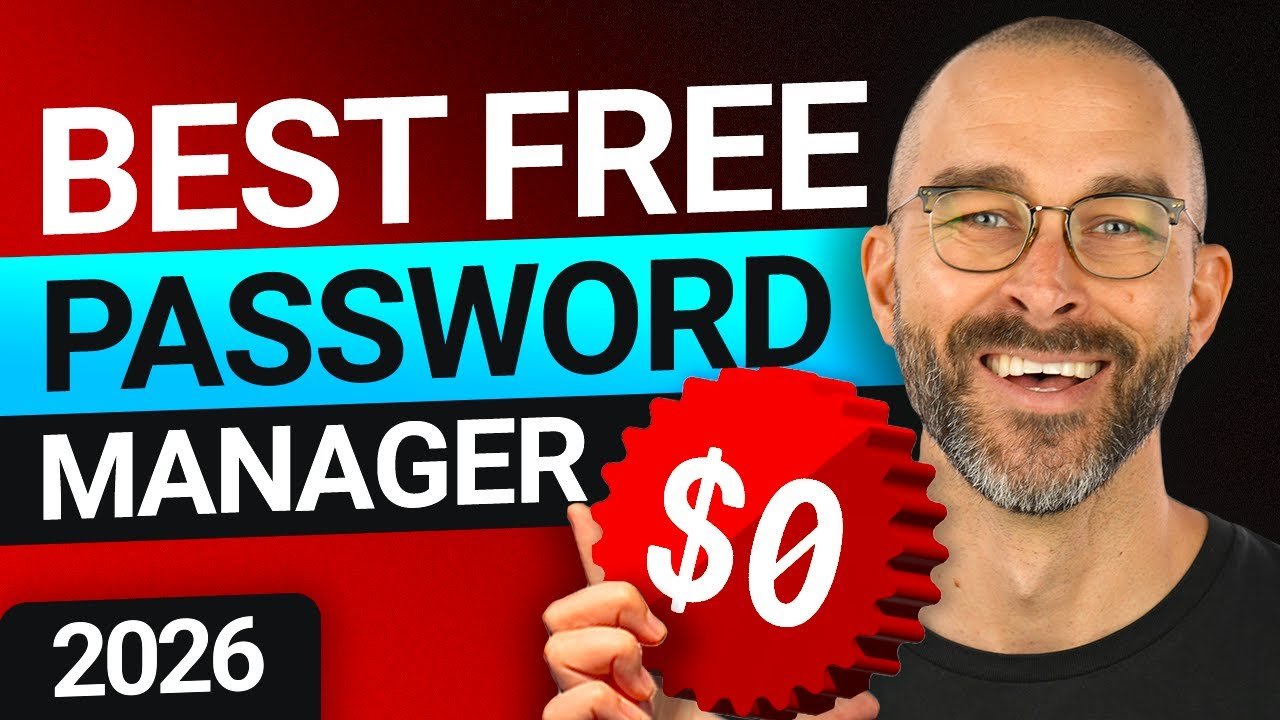
Free password managers sound like an easy win: better security, zero cost. But in 2026, the real question isn’t “which one is free?” — it’s whether free is actually enough for your needs.
I tested a few popular options like Bitwarden, Proton Pass, and LastPass to see how they hold up in real use.
What a Free Password Manager Should Do
At minimum, a good free password manager should offer:
- Secure password storage (encrypted vault)
- Auto-fill on websites and apps
- Sync across devices
- Basic password generator
Most tools now use zero-knowledge encryption, meaning even the company can’t see your data. In simple terms: your passwords stay yours.
⚠️ Affiliate disclosure: We may earn a commission at no extra cost to you.
🔥 Editor's Picks
Best Hosting Deal Right Now
🔥 BEST HOSTING
Hostinger ⭐ 4.9/5
- ⚡ Ultra fast performance
- 💰 From $2.99/month
- 🛡 Free SSL + domain
🚀 Get 80% OFF Hostinger
Real-World Experience
Best Hosting Deal Right Now
Hostinger ⭐ 4.9/5
- ⚡ Ultra fast performance
- 💰 From $2.99/month
- 🛡 Free SSL + domain
I used Bitwarden as my main manager for about two weeks across laptop and phone.
Setup took less than 10 minutes. Importing passwords from Chrome was seamless. The auto-fill worked well most of the time, though occasionally I had to click manually.
What stood out: everything just worked — without asking me to upgrade every five minutes.
Then I tried LastPass (free plan). The experience was more frustrating:
- Device sync is limited
- Frequent prompts to upgrade
- Feels restricted by design
Proton Pass felt more modern and privacy-focused, but still slightly less polished than Bitwarden in daily use.
Top Free Password Managers (2026)
Bitwarden – Best Overall
- Unlimited devices (free)
- Open-source and audited
- Clean, reliable experience
👉 Best balance between usability and trust.
Proton Pass – Best for Privacy
- Built by the Proton ecosystem
- Strong encryption and transparency
- Simple interface
👉 Great if privacy is your top concern.
LastPass – Limited Free Option
- Easy to use
- But restricted free plan
👉 Honestly, less competitive than it used to be.
Free vs Paid: The Real Difference
Free plans usually miss:
- Advanced security features (like breach monitoring)
- Secure file storage
- Priority support
👉 Insight:
Most people don’t need those features — until they do.
Pros & Cons of Free Password Managers
Pros
- No cost
- Strong basic security
- Easy to set up
Cons
- Limited features
- Sometimes restricted usability
- Less support
So, Are Free Password Managers Enough?
For most users — yes.
If your goal is to:
- Stop reusing passwords
- Improve basic security
- Sync across devices
👉 A free tool like Bitwarden is more than enough.
But if you:
- Manage sensitive data
- Run a business
- Want extra protection layers
→ Paid plans start to make sense.
Final Verdict
Free password managers in 2026 are surprisingly powerful. In fact, they cover about 80–90% of what most users need.
👉 My honest take:
Bitwarden is the safest default choice. Proton Pass is promising but still evolving. LastPass feels outdated in its free tier.
Free is no longer a limitation — but choosing the right free tool still matters.
Best Hosting Deal Right Now
Hostinger ⭐ 4.9/5
- ⚡ Ultra fast performance
- 💰 From $2.99/month
- 🛡 Free SSL + domain
