Choosing between WordPress hosting and regular (shared) hosting is one of the most common — and confusing — decisions when starting a website. They often look similar on paper, but in practice, they behave very differently.
Here’s a clear, experience-based breakdown to help you decide.
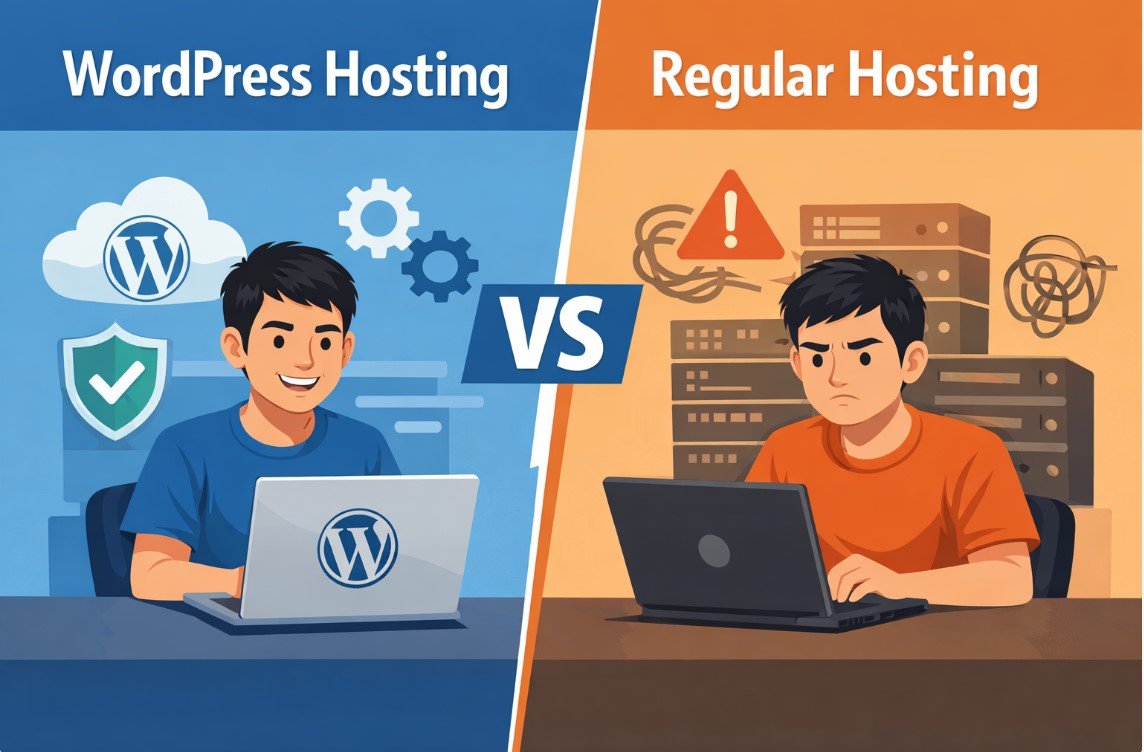
What’s the Real Difference?
At a basic level:
- Regular hosting (shared hosting) → a general environment where multiple websites share one server
- WordPress hosting → optimized specifically for WordPress sites
In shared hosting, your site shares resources with many others, which keeps costs low but can affect performance . WordPress hosting, on the other hand, is configured specifically to run WordPress faster and more efficiently, often with built-in caching and optimization .
- Simple way to think about it:
Shared hosting = “one server for everyone”
WordPress hosting = “server tuned for WordPress”
⚠️ Affiliate disclosure: We may earn a commission at no extra cost to you.
🔥 Editor's Picks
Best Hosting Deal Right Now
🔥 BEST HOSTING
Hostinger ⭐ 4.9/5
- ⚡ Ultra fast performance
- 💰 From $2.99/month
- 🛡 Free SSL + domain
🔥 Claim Hostinger Discount
Real-World Experience (What Actually Happens)
Best Hosting Deal Right Now
Hostinger ⭐ 4.9/5
- ⚡ Ultra fast performance
- 💰 From $2.99/month
- 🛡 Free SSL + domain
I’ve used both setups on small blog projects.
With shared hosting (around $3/month), everything worked fine at first. But once traffic increased, the site became noticeably slower — especially during peak hours. It wasn’t broken, just inconsistent.
Then I switched to managed WordPress hosting. The difference wasn’t dramatic at first, but over time it became clear:
- Pages loaded faster
- Fewer random slowdowns
- Updates and backups were automatic
Another small detail: I didn’t have to “fix things” anymore. That alone saved a lot of time.
Technical Differences (Explained Simply)
WordPress hosting usually includes:
- Server-level caching (faster loading)
- Automatic updates (core, plugins, themes)
- Built-in security tools
- Staging environments
Shared hosting typically offers:
- Basic control panel (cPanel)
- Manual setup and updates
- Limited optimization
- In short:
WordPress hosting reduces technical work, while shared hosting gives more flexibility but requires more effort.
Price Comparison (2026)
| Hosting Type | Average Price | Best For |
|---|---|---|
| Shared Hosting | $2–5/month | Beginners, small sites |
| WordPress Hosting | $3–10/month | Blogs, business sites |
Prices are actually closer than many people think. Both can start around $3–6/month depending on promotions .
- Insight:
The real difference isn’t price — it’s time vs performance.
Pros & Cons
Shared Hosting
Pros
- Cheapest option
- Flexible (supports any CMS)
- Beginner-friendly
Cons
- Slower under load
- Limited scalability
- More manual work
WordPress Hosting
Pros
- Optimized performance
- Better security
- Automatic maintenance
- More stable under traffic
Cons
- Slightly more expensive
- Less flexible (WordPress-focused)
Which One Should You Choose?
- Choose shared hosting if:
- You’re starting a small site
- Budget is your top priority
- You don’t expect much traffic
- Choose WordPress hosting if:
- Your site runs on WordPress
- You care about speed and SEO
- You want less technical hassle
- Personal insight:
Most people start with shared hosting… and upgrade later anyway.
Final Verdict
WordPress hosting isn’t just marketing — it genuinely improves performance and reduces workload. But it’s not always necessary.
👉 My honest take:
- For beginners → shared hosting is enough
- For serious websites → WordPress hosting is the smarter long-term choice
If your website matters, WordPress hosting is worth it. If you’re just testing ideas, shared hosting is perfectly fine.
Best Hosting Deal Right Now
Hostinger ⭐ 4.9/5
- ⚡ Ultra fast performance
- 💰 From $2.99/month
- 🛡 Free SSL + domain
