Best Hosting Deal Right Now
Hostinger ⭐ 4.9/5
- ⚡ Ultra fast performance
- 💰 From $2.99/month
- 🛡 Free SSL + domain
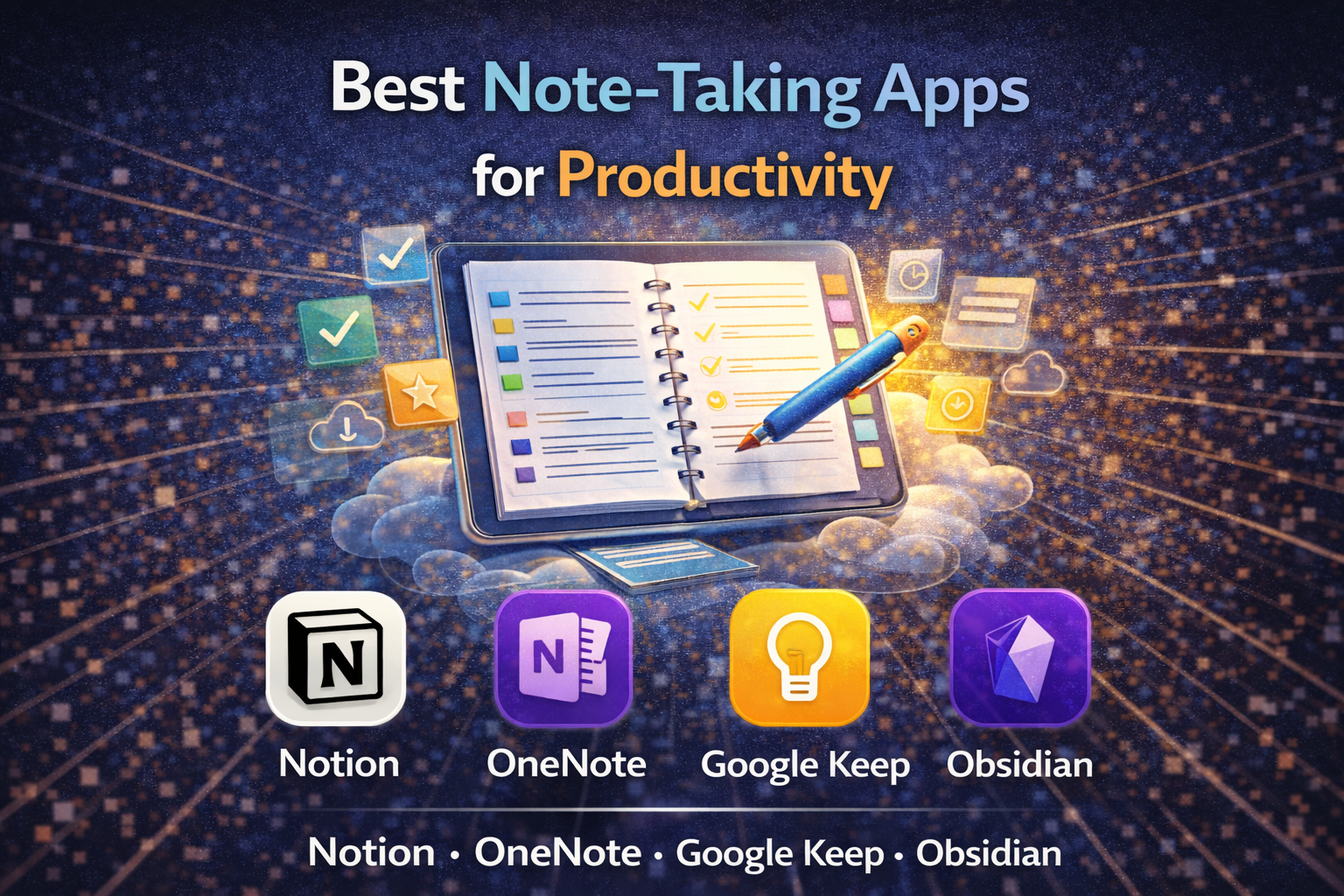
Note-taking apps have evolved from simple digital notebooks into full productivity systems. Today, they handle everything from quick reminders to complex project management, often syncing across devices and integrating with other tools.
The challenge isn’t finding an app.
It’s choosing one that matches how you think and work.
Notion: Flexible, All-in-One Workspace
Notion combines note-taking with databases, task management, and collaboration tools. It allows users to build custom workflows—everything from personal journals to team dashboards.
That flexibility is its main strength.
But it also comes with a learning curve. New users may need time to structure their workspace effectively.
For those who want a single platform to organize multiple aspects of work, Notion offers a comprehensive solution.
Evernote: Structured and Feature-Rich
Evernote has long been associated with digital note-taking. It focuses on organizing notes through notebooks, tags, and search functionality, including the ability to scan and index documents.
It’s more structured than newer tools.
That makes it easier to start, but less customizable than platforms like Notion.
For users who prefer a traditional approach with strong search capabilities, Evernote remains a practical option.
Microsoft OneNote: Freeform and Integrated
OneNote offers a more flexible layout, allowing users to place text, images, and drawings anywhere on a page. It integrates closely with Microsoft Office, making it a natural fit for Windows users and those already using tools like Word or Outlook.
It’s less rigid than Evernote.
But also less structured, which may not suit everyone.
Apple Notes: Simple and Seamless
Apple Notes is built into iOS and macOS, providing a straightforward way to capture and sync notes across Apple devices. It supports checklists, attachments, and basic organization features without requiring setup.
Its strength is simplicity.
But it lacks the advanced features found in more complex tools.
For Apple users who want something quick and reliable, it covers the essentials.
Obsidian: Knowledge Management and Linking
Obsidian takes a different approach by focusing on linking notes together, creating a network of ideas. It stores files locally, giving users full control over their data.
This makes it popular among users who treat notes as a long-term knowledge base.
However, it requires more setup and a different mindset compared to traditional apps.
Google Keep: Fast and Lightweight
Google Keep is designed for quick notes, reminders, and lists. Its interface is simple, and it integrates with Google services like Gmail and Google Calendar.
It’s not meant for complex organization.
But it excels at speed and accessibility.
For capturing ideas on the go, it remains one of the easiest tools to use.
Choosing Between Simplicity and Structure
Note-taking apps generally fall into two categories:
- All-in-one systems like Notion, which combine notes with broader productivity tools
- Focused apps like Apple Notes or Google Keep, which prioritize speed and ease of use
There are also hybrid options like Evernote and OneNote, which balance structure with flexibility.
The right choice depends less on features and more on workflow preferences.
Practical Benefits and Trade-Offs
Benefits
- Centralized storage for ideas and information
- Cross-device syncing and accessibility
- Integration with productivity tools
Trade-offs
- Learning curves for more advanced platforms
- Feature overlap between apps
- Dependence on ecosystems (Apple, Google, Microsoft)
Why It Matters
As work becomes more digital and distributed, note-taking apps are increasingly used to manage information, not just store it. They act as personal knowledge hubs, helping users track ideas, tasks, and projects in one place.
The choice of tool can influence how efficiently that information is organized and retrieved.
Takeaway
Apps like Notion, Evernote, OneNote, Apple Notes, Obsidian, and Google Keep offer different approaches to note-taking, ranging from simple capture tools to full productivity systems. Selecting the right one depends on whether you prioritize flexibility, structure, or ease of use, rather than any single feature set.
Best Hosting Deal Right Now
Hostinger ⭐ 4.9/5
- ⚡ Ultra fast performance
- 💰 From $2.99/month
- 🛡 Free SSL + domain

