At first glance, SiteGround and Bluehost seem like they belong in the same category: beginner-friendly hosting, WordPress-ready, widely recommended.
But spend a few weeks using both, and the difference becomes less about features—and more about how your website feels to run.
This isn’t just a comparison of specs. It’s a difference in philosophy.
The Core Difference: Performance vs Accessibility
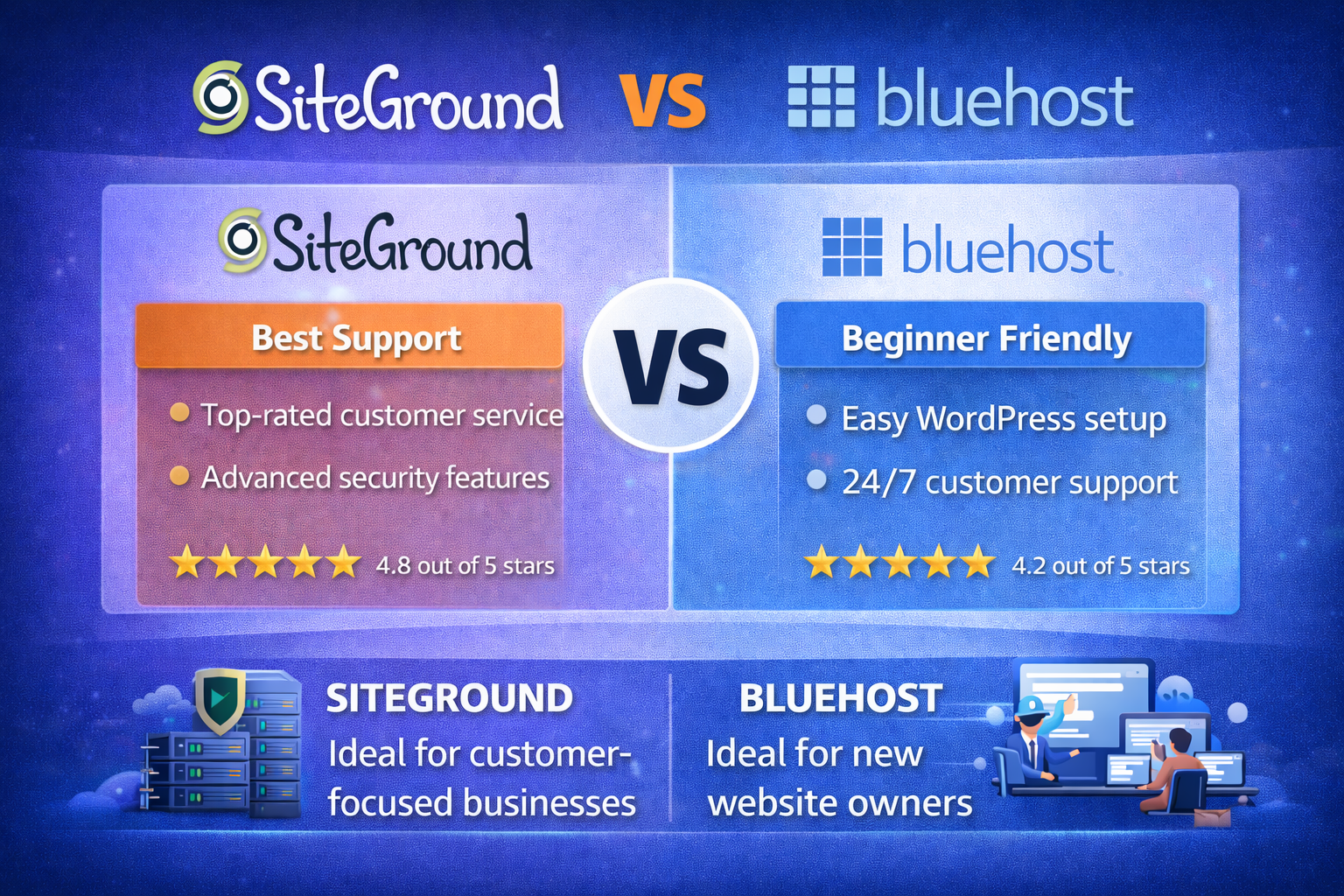
Bluehost is built to get you online quickly, with as little friction as possible. It’s designed for beginners who want a working website without thinking too much about infrastructure.
SiteGround takes a different approach. It still targets non-technical users, but it leans heavily into performance—faster servers, built-in caching, and more control over how your site runs.
In simple terms:
Bluehost helps you start.
SiteGround helps you run.
⚠️ Affiliate disclosure: We may earn a commission at no extra cost to you.
🔥 Editor's Picks
Best Hosting Deal Right Now
🔥 BEST HOSTING
Hostinger ⭐ 4.9/5
- ⚡ Ultra fast performance
- 💰 From $2.99/month
- 🛡 Free SSL + domain
🚀 Get 80% OFF Hostinger
Setup Experience: Easy vs Polished
Best Hosting Deal Right Now
Hostinger ⭐ 4.9/5
- ⚡ Ultra fast performance
- 💰 From $2.99/month
- 🛡 Free SSL + domain
Both platforms make setup straightforward. You can install WordPress in minutes and have a live site without touching code.
But the experience feels different.
Bluehost walks you through everything step by step. It’s almost impossible to get lost. For someone launching their first site, that’s reassuring.
SiteGround is still easy—but less hand-holding. Its dashboard is cleaner and more modern, but assumes you’re comfortable exploring a bit.
You’ll figure it out quickly.
But Bluehost definitely feels more “guided.”
Performance: Where SiteGround Pulls Ahead
This is where the gap becomes hard to ignore.
SiteGround’s infrastructure is built for speed:
- Built-in caching (no plugins needed)
- Optimized servers for WordPress
- Consistent load times even under moderate traffic
In real-world use, pages load faster—and more importantly, they stay fast.
Bluehost, on the other hand, performs fine at low traffic. But as your site grows, you start noticing slower response times and occasional dips in performance.
It’s not broken.
It just doesn’t scale as smoothly.
Pricing: The Trade-Off Most People Notice First
Bluehost is cheaper upfront. That’s part of its appeal.
SiteGround costs more—sometimes significantly more after renewal.
But the pricing difference reflects what you’re getting:
- Bluehost = accessibility and simplicity
- SiteGround = performance and stability
The catch? SiteGround’s renewal pricing can feel steep if you’re not expecting it.
This is where many users hesitate.
Features: Similar on Paper, Different in Practice
Both offer:
- Free SSL
- WordPress integration
- Email hosting
But SiteGround adds more performance-focused tools:
- Built-in caching system
- Staging environments
- Better server-level optimizations
Bluehost focuses more on usability:
- Guided onboarding
- Simple dashboards
- WordPress-focused tools
So while the feature lists look similar, the experience isn’t.
Support: Fast vs Accessible
Support is another area where the difference shows up subtly.
SiteGround’s support tends to be faster and more technical. When something breaks, they usually fix it quickly—and explain why.
Bluehost offers phone support, which many beginners appreciate. It feels more accessible, even if the quality can vary.
So it comes down to preference:
- SiteGround = efficiency
- Bluehost = familiarity
Real-World Use: The Difference Over Time
At the beginning, both platforms feel fine. Your site loads, everything works, and there’s no obvious problem.
But after a few months—especially if your traffic grows—the experience changes.
With Bluehost:
- You may notice slower load times
- Performance becomes less predictable
- You start thinking about upgrades
With SiteGround:
- Speed stays consistent
- The site feels more stable
- You don’t think about hosting as much
And that’s the key difference.
Good hosting fades into the background.
Pros and Cons
SiteGround
Pros
- Strong, consistent performance
- Built-in speed optimization tools
- Reliable support
Cons
- Higher cost, especially on renewal
- Slightly less beginner-friendly
Bluehost
Pros
- Easy to start with
- Lower upfront cost
- Beginner-friendly experience
Cons
- Performance drops as traffic grows
- Interface feels dated
- Less control over optimization
Who Should Choose What?
- Choose Bluehost if you’re launching your first site and want the easiest possible setup
- Choose SiteGround if you care about speed, stability, and long-term performance
If your site is just a side project, Bluehost is enough.
If it’s something you expect to grow, SiteGround makes more sense.
Final Verdict: The Better Long-Term Choice
This comparison isn’t really about which hosting is “better.” It’s about what stage you’re in.
Bluehost is a starting point.
SiteGround is what you move to when things start to matter.
If you’re serious about your website—even a little—SiteGround is the smarter long-term choice.
It costs more.
But it also removes the problems you’ll otherwise run into later.
Best Hosting Deal Right Now
Hostinger ⭐ 4.9/5
- ⚡ Ultra fast performance
- 💰 From $2.99/month
- 🛡 Free SSL + domain

