For students, productivity tools are no longer optional—they’re part of how studying happens. Notes, assignments, schedules, and collaboration increasingly live across apps rather than notebooks.
The challenge isn’t finding tools. It’s choosing ones that are useful without becoming distractions themselves.
Free platforms have improved significantly in recent years, offering features that were once limited to paid software. But each tool solves a slightly different problem, and understanding those differences matters.
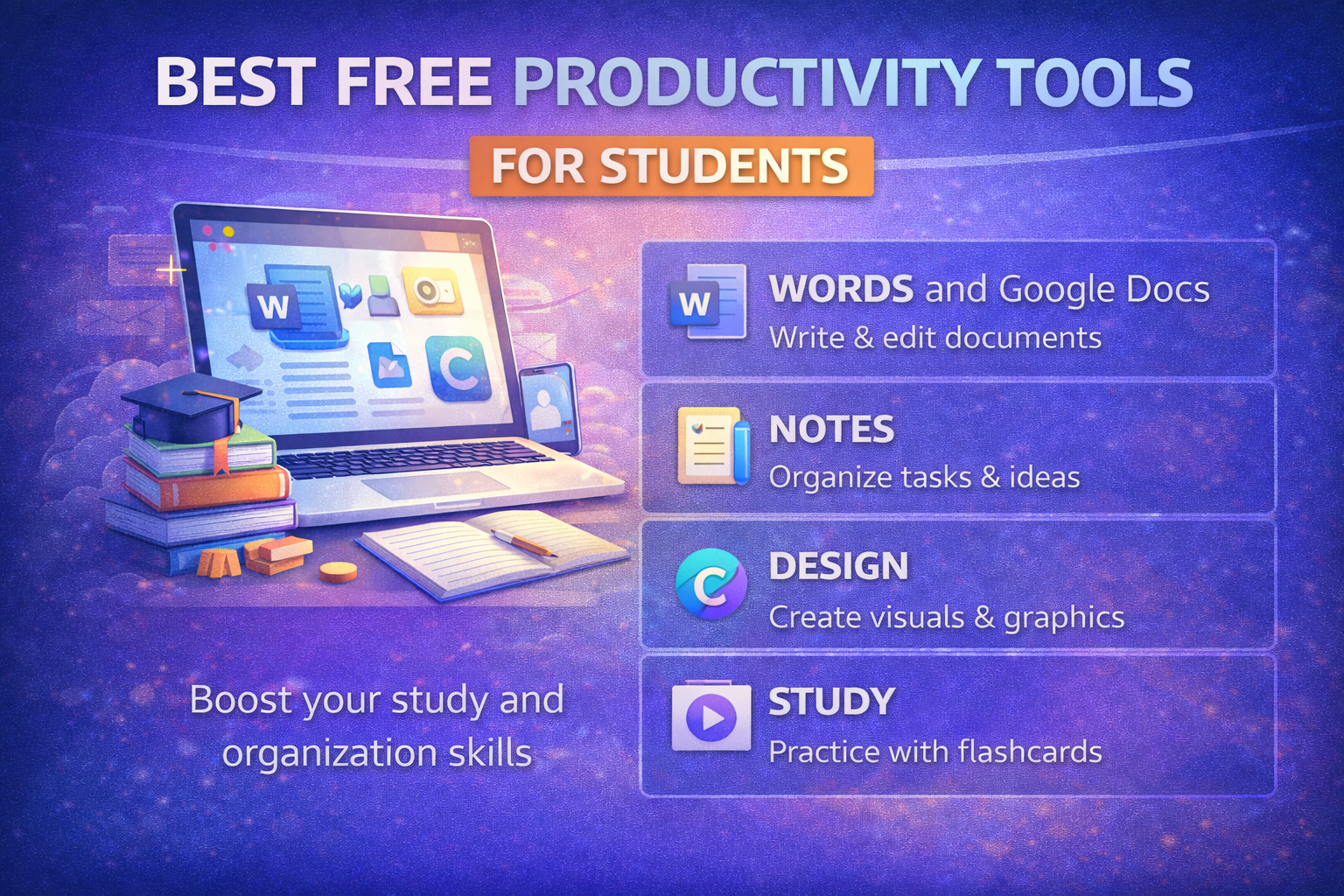
Notion: Flexible Workspace for Notes and Organization
Notion combines note-taking, task management, and databases into a single platform. Students can use it to organize lecture notes, track assignments, or even manage long-term projects.
Its flexibility is the main appeal:
- Create structured notes with headings and links
- Build task lists and deadlines
- Store everything in one place
That flexibility can also be a drawback. New users may need time to set up a system that works, especially compared to simpler apps.
⚠️ Affiliate disclosure: We may earn a commission at no extra cost to you.
🔥 Editor's Picks
Best Hosting Deal Right Now
🔥 BEST HOSTING
Hostinger ⭐ 4.9/5
- ⚡ Ultra fast performance
- 💰 From $2.99/month
- 🛡 Free SSL + domain
⚡ Start Your Website Today
Google Docs: Real-Time Collaboration Made Simple
Best Hosting Deal Right Now
Hostinger ⭐ 4.9/5
- ⚡ Ultra fast performance
- 💰 From $2.99/month
- 🛡 Free SSL + domain
Google Docs remains a widely used tool for writing and group work. Its strength lies in collaboration—multiple users can edit the same document simultaneously, with changes saved automatically.
In practice, this means:
- No version confusion in group assignments
- Easy sharing with classmates or teachers
- Access from any device with internet
It lacks some advanced formatting features found in traditional desktop software, but for most academic tasks, it’s more than sufficient.
Microsoft OneNote: Structured Note-Taking with a Familiar Feel
OneNote offers a more traditional approach to digital note-taking, organizing content into notebooks, sections, and pages.
This structure works well for:
- Lecture notes organized by subject
- Handwritten notes with stylus support
- Combining text, images, and diagrams
Compared to Notion, it’s less customizable but easier to start using immediately.
Trello: Visual Task Tracking
Trello uses boards, lists, and cards to organize tasks visually. For students managing multiple deadlines, this layout can make planning more intuitive.
Common uses include:
- Tracking assignments by status (to do, in progress, done)
- Managing group projects
- Breaking down larger tasks into smaller steps
It’s simple and visual, though less detailed than more complex project management tools.
Forest: Encouraging Focus Through Simple Gamification
Forest approaches productivity from a different angle—helping users stay focused by limiting distractions.
When activated, it grows a virtual tree while you avoid using your phone. Leaving the app interrupts the process.
It’s a lightweight tool, but effective for:
- Study sessions without interruptions
- Building focus habits over time
Unlike task managers, it doesn’t organize work—it helps you stay on it.
Comparing the Tools
Each tool addresses a specific aspect of student productivity:
- Notion focuses on organization and flexibility
- Google Docs supports writing and collaboration
- OneNote provides structured note-taking
- Trello helps manage tasks visually
- Forest encourages focus and time management
They are often used together rather than as replacements for one another.
Choosing the Right Combination
Students rarely rely on a single tool. A typical setup might include:
- A note-taking app (Notion or OneNote)
- A writing tool (Google Docs)
- A task manager (Trello)
- A focus aid (Forest)
The goal is not to use more tools, but to use a few that fit specific needs without overlap.
Adding too many apps can make workflows more complicated rather than more efficient.
Why This Matters
As academic work becomes more digital, productivity tools shape how students manage time, information, and collaboration.
Choosing the right tools can:
- Reduce time spent organizing work
- Improve collaboration efficiency
- Help maintain focus during study sessions
These are small advantages individually, but they add up over time.
Final Takeaway
Free productivity tools now offer a practical foundation for managing academic work. Each serves a different purpose, from organizing notes to tracking tasks and maintaining focus.
Selecting a small, complementary set of tools—and using them consistently—can make studying more structured without adding unnecessary complexity.
Best Hosting Deal Right Now
Hostinger ⭐ 4.9/5
- ⚡ Ultra fast performance
- 💰 From $2.99/month
- 🛡 Free SSL + domain

