As more of daily life moves through the browser—from banking to messaging to work—online safety is no longer just about antivirus software. Increasingly, protection happens at the browser level, where threats like trackers, phishing attempts, and malicious scripts first appear.
Browser extensions have become a practical way to add that extra layer of control. But their value depends on how they’re used—and how well they balance protection with usability.
Why Browser Extensions Still Matter
Modern browsers include built-in security features, but they don’t cover everything. Tracking scripts, invasive ads, and suspicious links can still slip through.
Extensions help fill those gaps by:
- Blocking unwanted trackers and ads
- Warning users about unsafe websites
- Managing passwords securely
- Controlling what scripts run in the background
Used together, they can significantly reduce exposure to common online risks.
But adding too many can slow down your browser or create conflicts.
⚠️ Affiliate disclosure: We may earn a commission at no extra cost to you.
🔥 Editor's Picks
Best Hosting Deal Right Now
🔥 BEST HOSTING
Hostinger ⭐ 4.9/5
- ⚡ Ultra fast performance
- 💰 From $2.99/month
- 🛡 Free SSL + domain
⚡ Start Your Website Today
uBlock Origin: Efficient Ad and Tracker Blocking
Best Hosting Deal Right Now
Hostinger ⭐ 4.9/5
- ⚡ Ultra fast performance
- 💰 From $2.99/month
- 🛡 Free SSL + domain
uBlock Origin is widely used for blocking ads and tracking scripts, but its main advantage is efficiency. It runs with relatively low memory usage while filtering a large number of unwanted elements.
In practice, this means:
- Faster page loading on ad-heavy sites
- Reduced tracking across websites
- Fewer intrusive pop-ups
Unlike some alternatives, it avoids “acceptable ads” programs, focusing instead on strict filtering. That makes it more consistent, though occasionally it may block elements users actually want to see.
HTTPS Everywhere: Enforcing Secure Connections
HTTPS Everywhere automatically redirects users to secure (HTTPS) versions of websites when available. This helps protect data from being intercepted, especially on public networks.
While many sites now default to HTTPS, not all do. This extension acts as a fallback layer, ensuring connections are encrypted whenever possible.
Its role has become less critical over time—but it still adds an extra safeguard in edge cases.
Bitwarden: Secure Password Management
Password reuse remains one of the most common security risks. Bitwarden addresses this by storing and generating strong, unique passwords.
Key practical benefits include:
- Auto-filling login credentials securely
- Generating complex passwords instantly
- Syncing across devices
Because it’s open-source, its code can be audited publicly, which adds a level of transparency not always present in proprietary tools.
Privacy Badger: Adaptive Tracker Blocking
Privacy Badger takes a different approach to tracking protection. Instead of relying on predefined lists, it learns to block trackers based on their behavior.
Over time, it identifies domains that appear to track users across sites and blocks them automatically.
This makes it more dynamic—but also slightly less predictable than list-based blockers like uBlock Origin.
Malwarebytes Browser Guard: Protection Against Malicious Sites
Malwarebytes Browser Guard focuses on blocking known malicious websites, phishing attempts, and scam pages.
In everyday use, it acts as a warning system:
- Flags suspicious links before they load
- Blocks known scam domains
- Adds an extra layer beyond built-in browser protection
It’s particularly useful for users who frequently browse unfamiliar sites.
Comparing the Tools
Each extension addresses a different aspect of online safety:
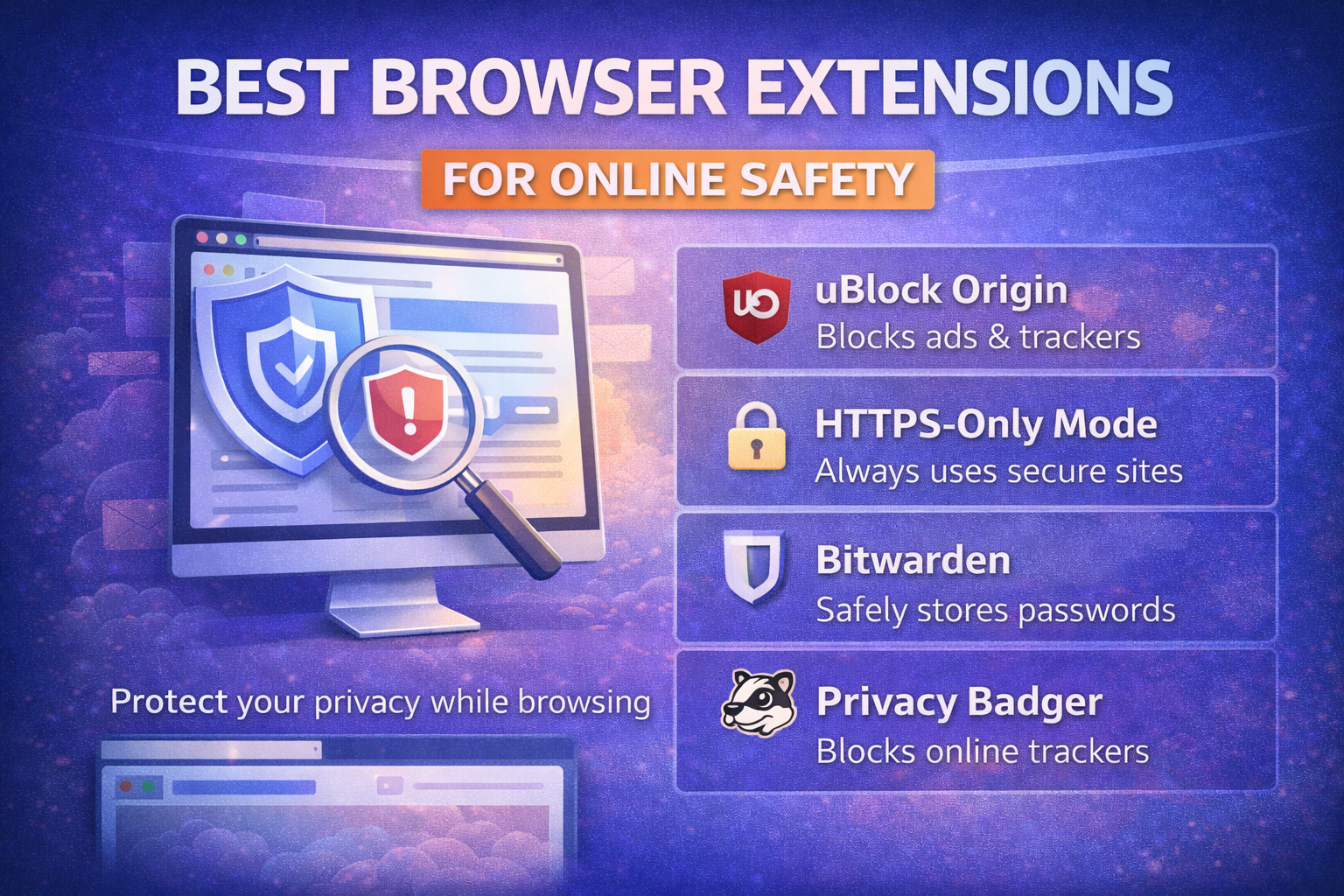
- uBlock Origin focuses on blocking ads and trackers efficiently
- HTTPS Everywhere ensures secure connections
- Bitwarden manages passwords securely
- Privacy Badger adapts to new tracking behaviors
- Malwarebytes Browser Guard targets malicious content
They are not direct replacements for one another. Instead, they work best when combined selectively.
Balancing Security and Performance
While extensions improve safety, adding too many can have downsides:
- Slower browser performance
- Compatibility issues with certain websites
- Overlapping features that create redundancy
A smaller, well-chosen set of extensions is usually more effective than installing many at once.
In most cases, combining a blocker, a password manager, and a security filter is enough.
Why This Matters
Online threats have become more subtle. Instead of obvious malware, users are more likely to encounter tracking systems, phishing pages, or data collection scripts.
Browser extensions provide a way to respond to these risks directly at the point of interaction.
They don’t eliminate threats entirely—but they reduce exposure significantly.
Final Takeaway
Browser extensions remain a practical tool for improving online safety, especially when used thoughtfully. Each serves a specific purpose, from blocking trackers to securing passwords and filtering harmful sites.
Choosing a small set of reliable extensions—and understanding what each one does—can make everyday browsing more secure without adding unnecessary complexity.
Best Hosting Deal Right Now
Hostinger ⭐ 4.9/5
- ⚡ Ultra fast performance
- 💰 From $2.99/month
- 🛡 Free SSL + domain

