Privacy-focused browsers are everywhere in 2026 — but not all of them truly protect you. Some just repackage existing tech with better marketing.
So instead of listing every option, here are the secure browsers that actually make a difference in real-world use, including Brave, Mozilla Firefox, and Tor Browser.
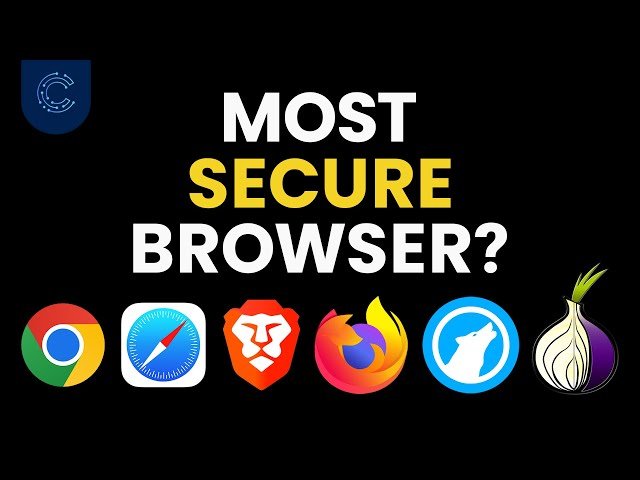
What Makes a Browser “Secure”? (Simple Explanation)
A secure browser should do more than just block ads. At minimum, it should:
- Prevent tracking (cookies, fingerprinting)
- Use strong sandboxing (isolates websites)
- Support HTTPS by default
- Offer privacy-focused settings out of the box
- In simple terms:
It should reduce how much data websites can collect about you.
⚠️ Affiliate disclosure: We may earn a commission at no extra cost to you.
🔥 Editor's Picks
Best Hosting Deal Right Now
🔥 BEST HOSTING
Hostinger ⭐ 4.9/5
- ⚡ Ultra fast performance
- 💰 From $2.99/month
- 🛡 Free SSL + domain
⚡ Start Your Website Today
Real-World Experience (What You Actually Notice)
Best Hosting Deal Right Now
Hostinger ⭐ 4.9/5
- ⚡ Ultra fast performance
- 💰 From $2.99/month
- 🛡 Free SSL + domain
I tested a few browsers over a week with normal usage: browsing, YouTube, logging into accounts.
With Brave, the experience felt almost identical to Chrome — just faster and cleaner. Ads disappeared, pages loaded quicker, and I didn’t need to tweak much.
Firefox required a bit more setup. Out of the box, it’s decent. But once I enabled stricter privacy settings, it became noticeably more secure — without breaking most websites.
Tor Browser was a completely different story. It’s the most private option, but also the slowest. Some websites didn’t work properly, and everyday use felt frustrating.
- Insight:
There’s always a trade-off between privacy and usability.
Best Secure Browsers in 2026
Brave – Best for Most Users
- Built-in ad and tracker blocking
- Fast performance
- No setup needed
- Best balance between privacy and usability.
Mozilla Firefox – Best Customizable Option
- Open-source
- Strong privacy controls
- Highly customizable
- Great if you’re willing to tweak settings.
Tor Browser – Maximum Privacy
- Routes traffic through multiple nodes
- Hides identity effectively
- Very hard to track
- Best for anonymity, not everyday browsing.
Quick Comparison
| Browser | Privacy Level | Ease of Use | Speed |
|---|---|---|---|
| Brave | High | Very easy | Fast |
| Firefox | High (with setup) | متوسط | Fast |
| Tor | Very high | Difficult | Slow |
- Personal insight:
Most people don’t need maximum anonymity — they need practical privacy.
Pros & Cons (Overall)
Pros
- Better protection from trackers
- More control over your data
- Often faster (less ads, less scripts)
Cons
- Some websites may break
- Setup can be confusing (Firefox)
- Extreme privacy = slower experience (Tor)
Final Verdict: Which Browser Should You Use?
If you want something simple that works immediately → Brave
If you want control and flexibility → Mozilla Firefox
If you need maximum anonymity → Tor Browser
Conclusion (Honest Take)
Secure browsers in 2026 are much better than before — but no browser makes you completely anonymous.
👉 My honest take:
For most people, Brave is the smartest choice. It gives strong privacy without changing how you browse.
Firefox is more powerful, but requires effort. Tor is impressive, but too slow for daily use.
Privacy isn’t about the most extreme tool — it’s about using the right one consistently.
Best Hosting Deal Right Now
Hostinger ⭐ 4.9/5
- ⚡ Ultra fast performance
- 💰 From $2.99/month
- 🛡 Free SSL + domain
